Get Started
Sign up, create your first workspace, and pick your next guide.
Create an account, set up a workspace, and find the next guide for what you want to do. Five minutes end to end.
Sign up
Open the sign-up page, enter your work email, and click Continue.
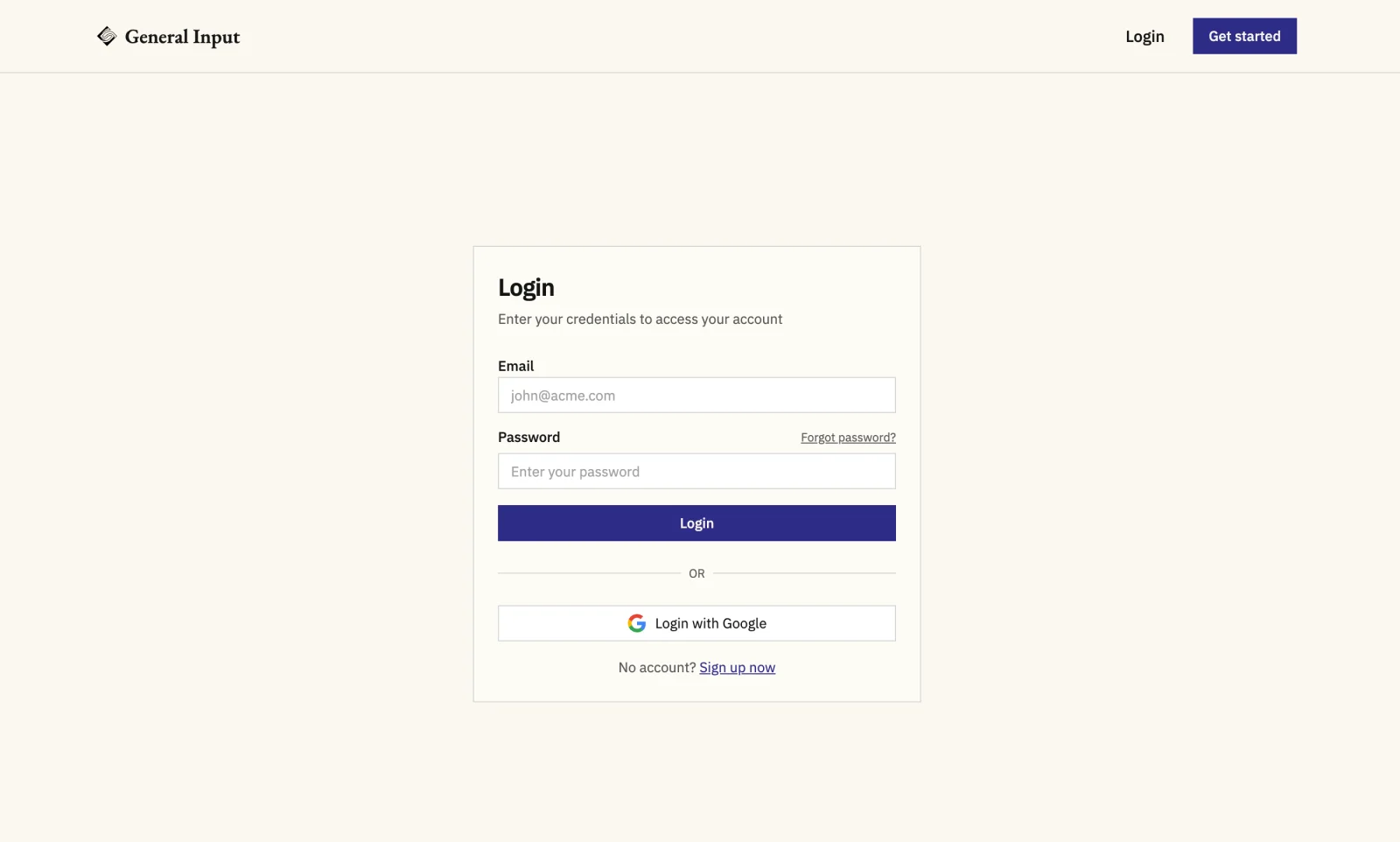
Enter your full name and a password, then click Create Account.
Create your workspace
On the Create your workspace screen, enter a workspace name.
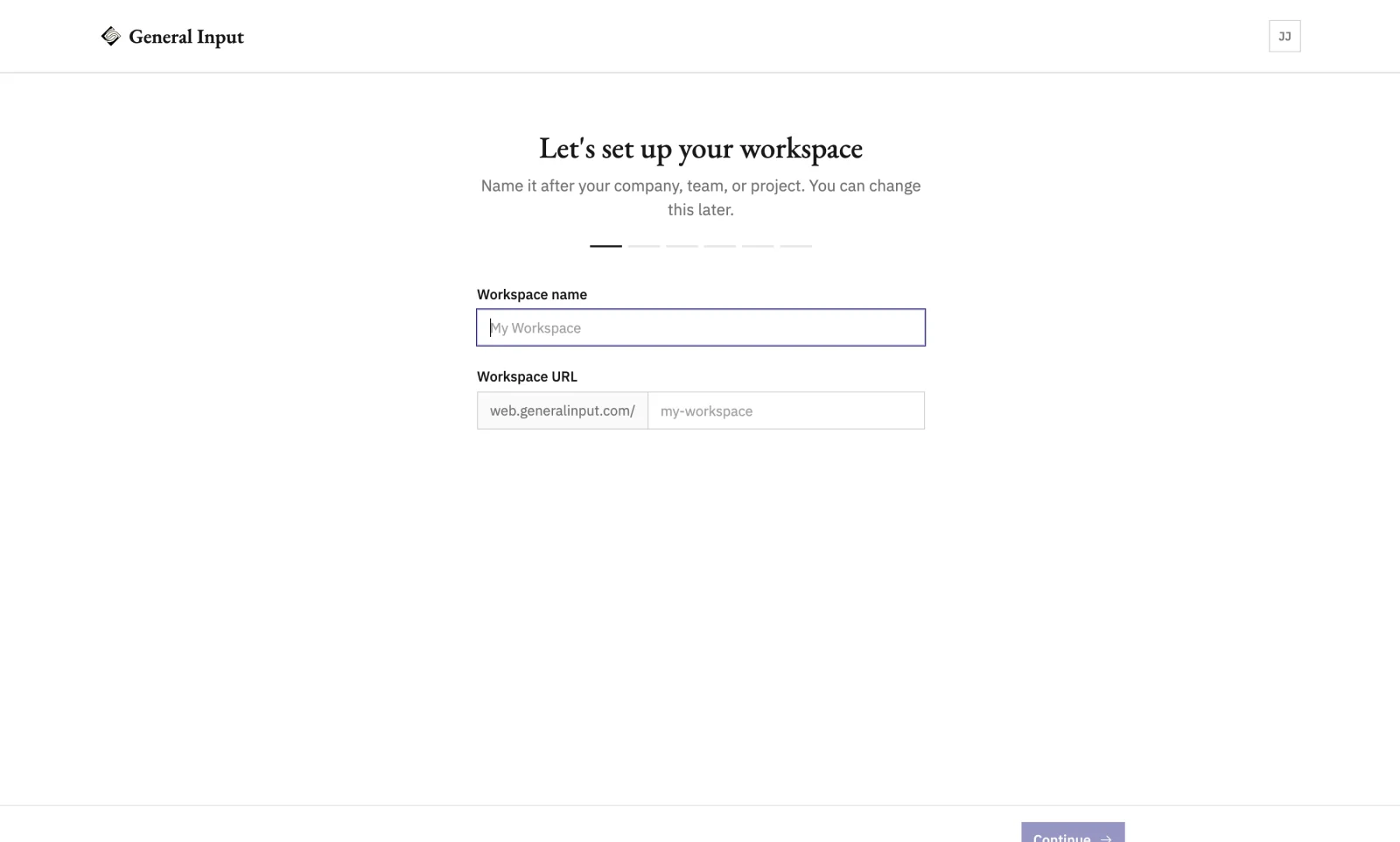
The URL slug auto-fills from the name. Edit it if you want a shorter or different one.
Click Continue. The workspace is created and onboarding moves to the next step.
Invite your team (optional)
Open Members from the sidebar.
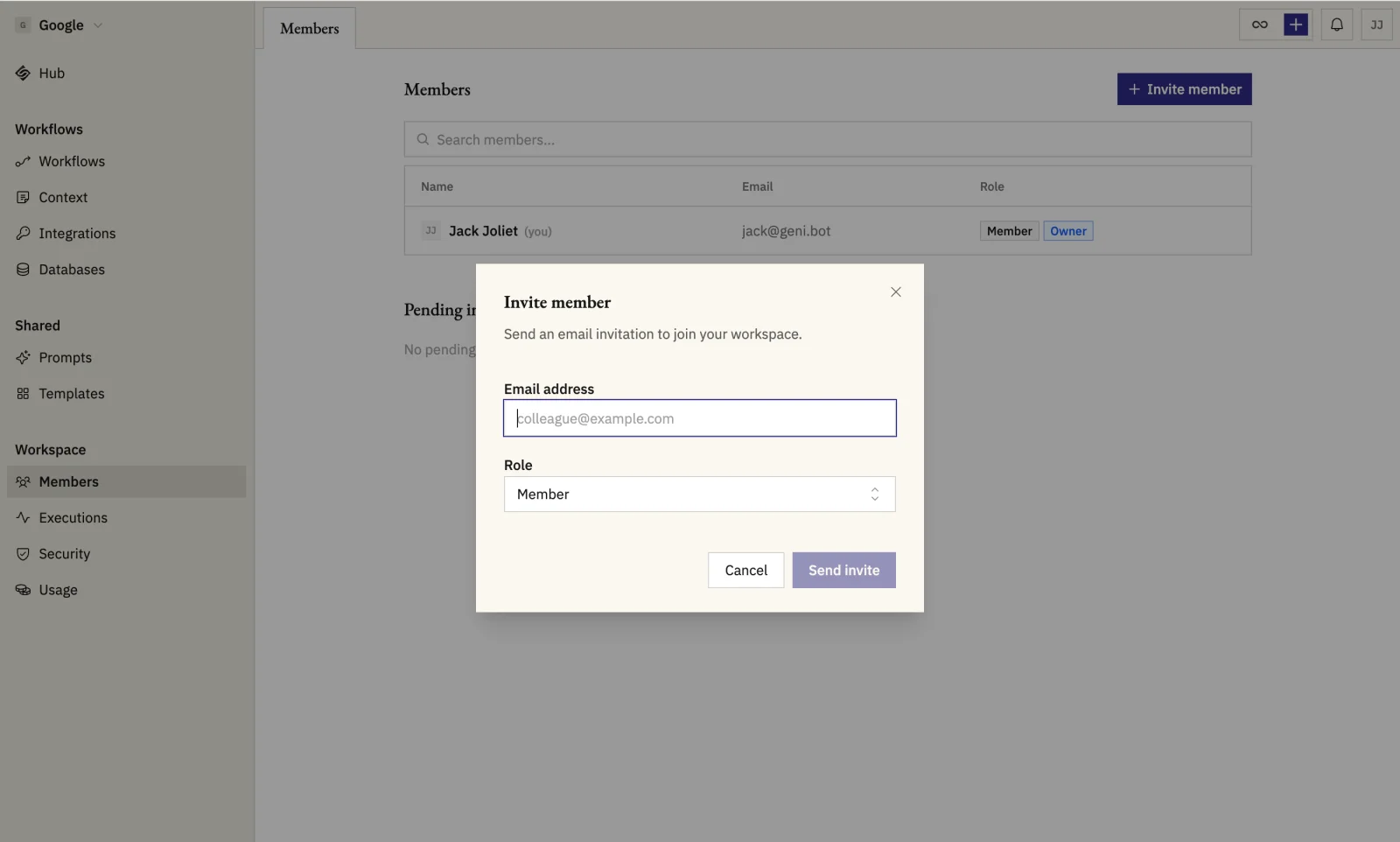
Click Invite member. Enter their email and pick a role: Owner, Admin, or Member.
Pick the next guide
Where to go from here:
- Connecting Slack, Gmail, or your CRM? Start with Connect an integration.
- Want to try the AI assistant? Start with Chat with Geni.
- Want the fastest path to a working automation? Start with Build from a prompt.
- Building something from scratch? Start with Build your first workflow.
- Want to teach Geni a repeatable procedure? Start with Create a skill.
- Want a live dashboard on your data? Start with Build an app.