Build from a prompt
Start from a ready-made template in our prompts library and customize from there.
Prompts are pre-written workflow templates. Pick one close to what you want, click Create workflow, and customize. Faster than starting from scratch.
Browse the library
Open the Prompts library and filter by integration or use case. Inside the app, the same library lives under Prompts in the sidebar.
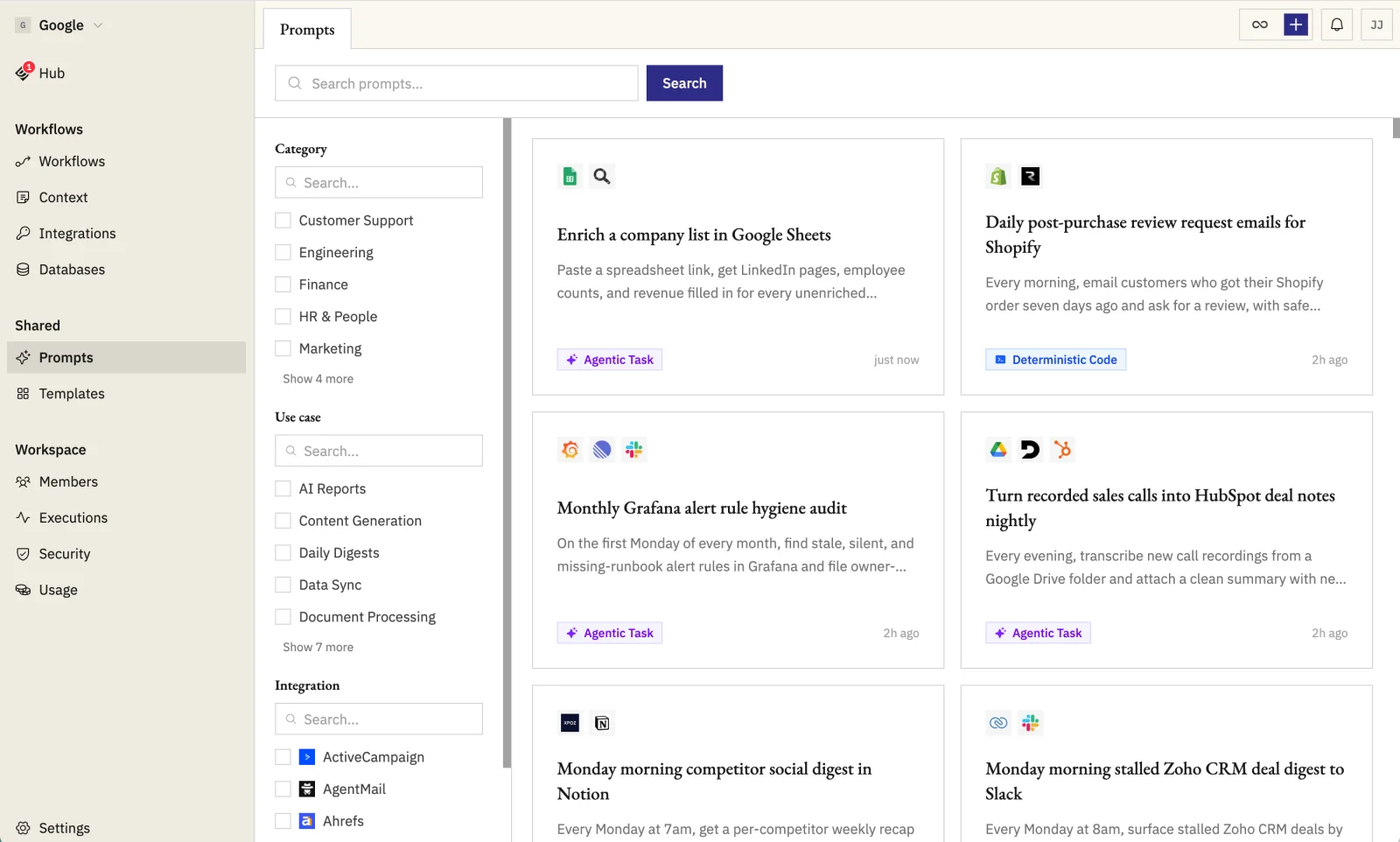
Open any prompt to see what it does and which credentials it needs.
Create the workflow
Click Create workflow on the prompt. Sign in if prompted, then the prompt opens in the workflow editor pre-populated.
Connect missing credentials
Each credential chip the prompt needs shows its connection state. Click any unconnected chip to authorize it inline.
Customize and enable
Edit parameter chips to set defaults like channel names, recipients, or filters.
- Ask Geni in chat to add, remove, or rewrite steps.
- Run manually once to verify, then add a trigger and enable.