Connect a custom OAuth integration
Bring your own OAuth app for branded consent, custom scopes, or services not in our catalog.
Custom OAuth lets you connect General Input to a service using your own OAuth app. Your branding on the consent screen, your scopes, and any provider that speaks OAuth 2.0.
When to use custom OAuth
- You want your company name and logo on the consent screen.
- You need scopes that aren't in our defaults.
- The service isn't in our 1-click catalog.
Set it up
Click your workspace name in the sidebar, choose Settings, and open Custom OAuth under the Workspace section.
Search for the integration you want to connect and open it.
Follow the in-app guide to create an OAuth app in the provider's developer console and grab the credentials.
Paste the
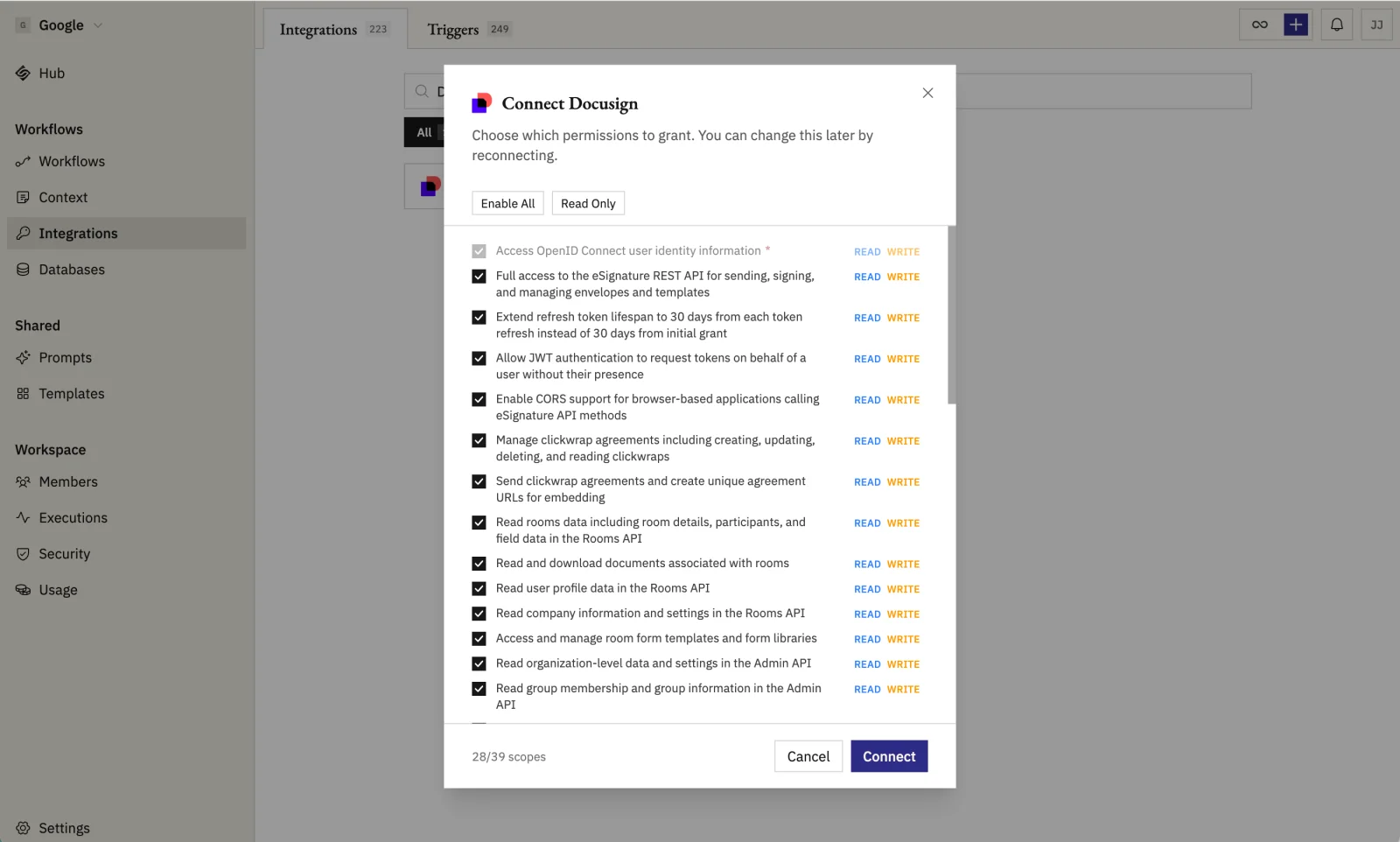
client_idandclient_secretback into our dialog, review the scopes the connection will request, and save.Click Connect to authorize the first connection. Your branding shows on the provider's consent screen.