Build your first workflow
Use the workflow wizard to go from idea to running automation.
The workflow wizard walks you through a few quick choices. You describe what you want; the author agent drafts it.
Pick a workflow type
Open Workflows in the sidebar and click New Workflow (or pick Workflow from the New menu on the Hub). Then pick Deterministic Code or Agentic Task.
Pick a trigger
Choose what fires the workflow: a schedule, a webhook, a new email, a new Slack message, and so on.
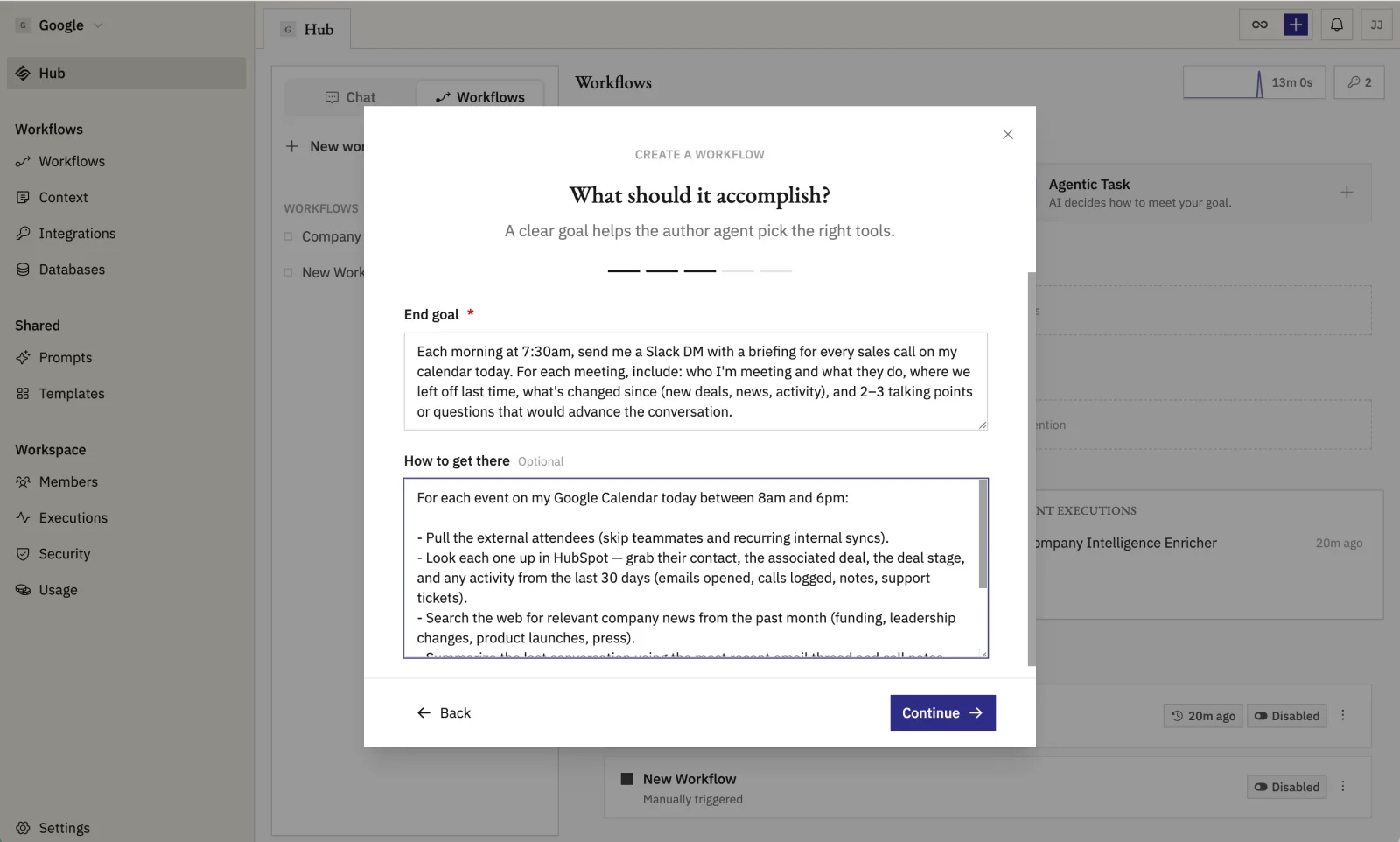
Describe the goal
Tell the author agent what the workflow should accomplish and how. Be specific about inputs, action, and output format. You can also click the microphone and dictate it.
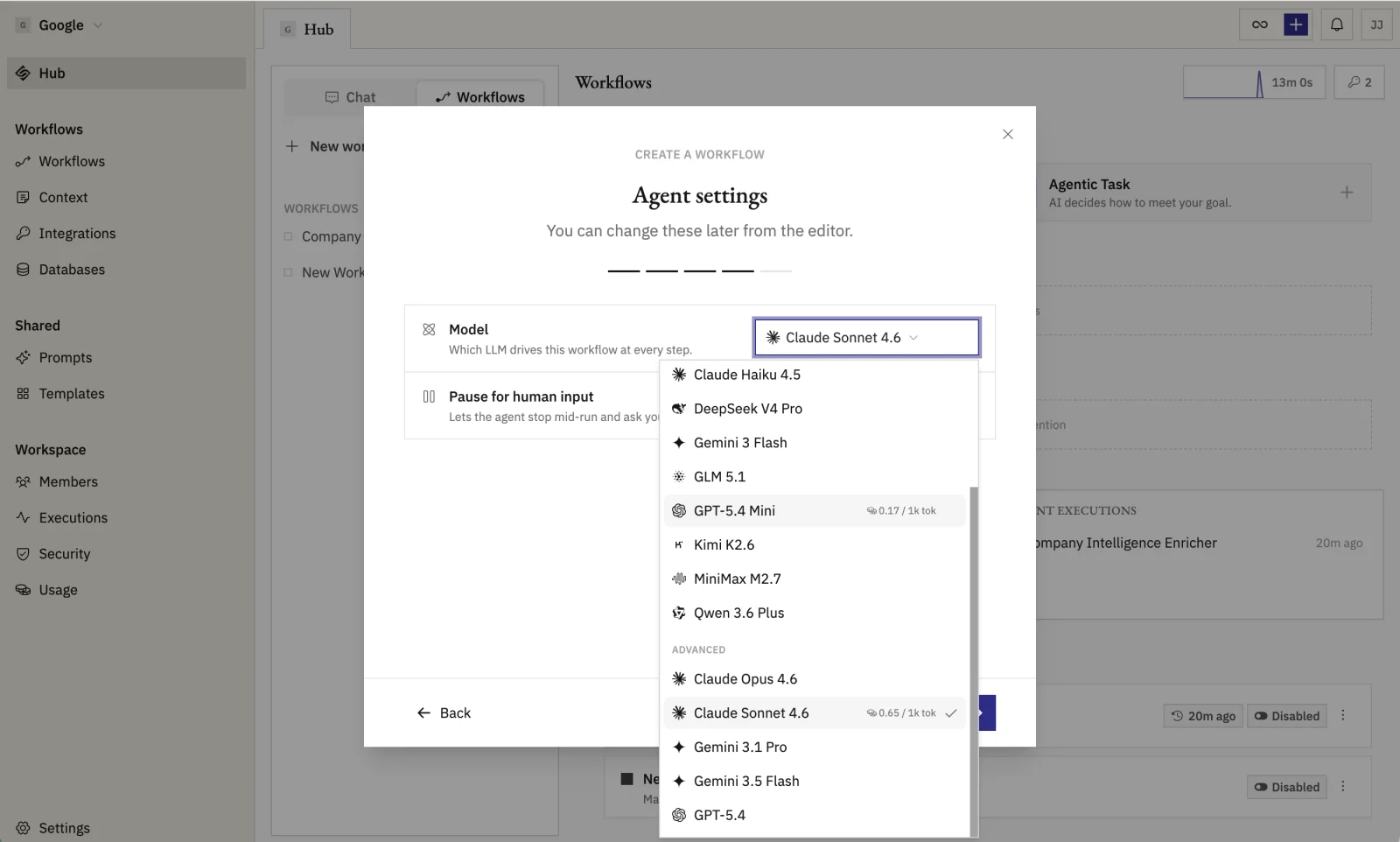
(Agent only) Configure the agent
Pick a model and, for models that support it, a reasoning effort. Fast models for triage and lookups, smarter models for nuanced reasoning.
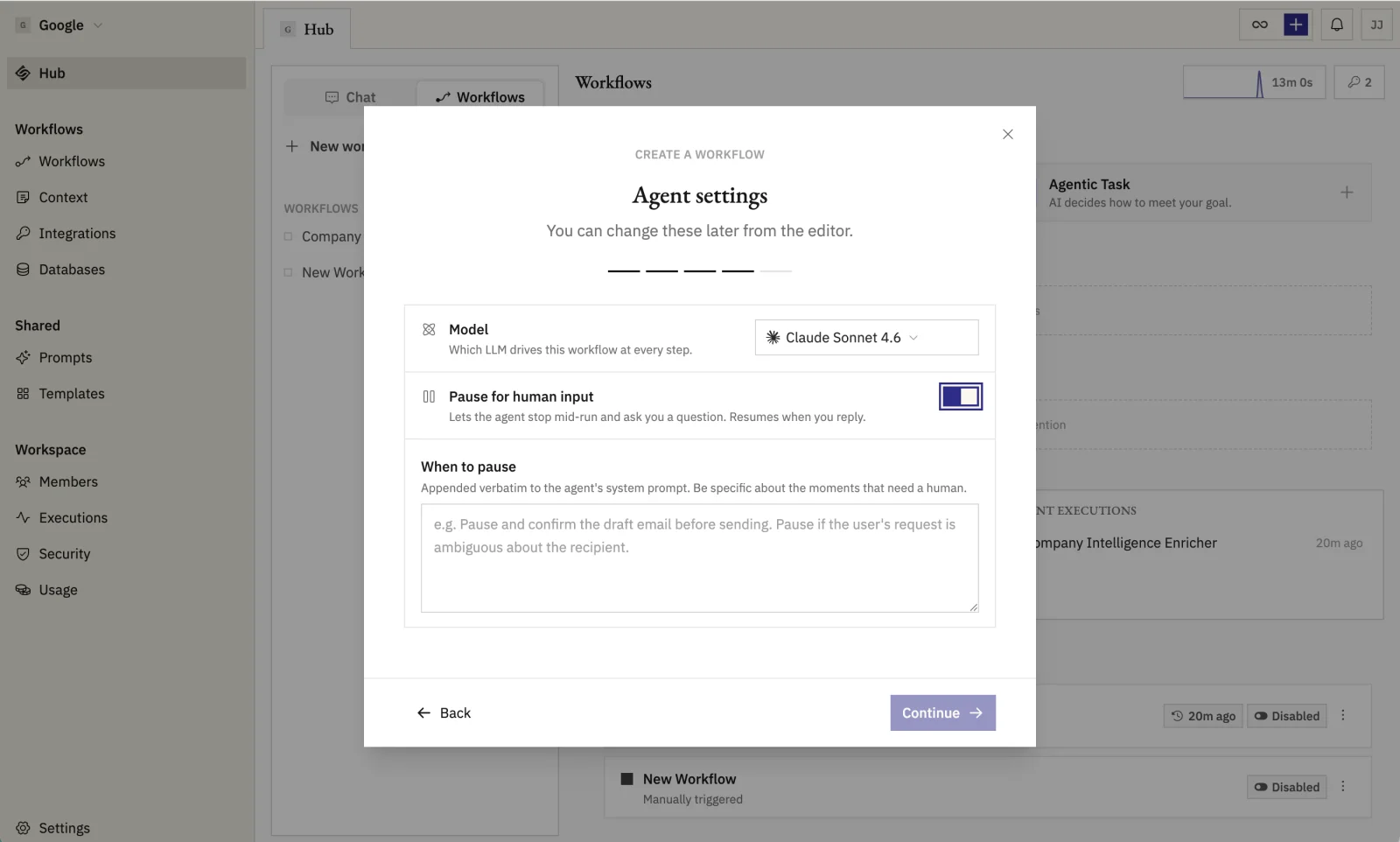
Optionally turn on Pause for human input and write the instructions for when the agent should stop and ask for approval.
Review and build
Confirm the choices on the final step. Click Create workflow and the author agent drafts it for you.
Refine, test, and enable
Connect any credentials the workflow needs. Click a credential chip in the workflow document and pick or add an account.
Ask Geni in chat to add, remove, or rewrite steps until it does what you want.
Click Launch to test manually. Watch the execution timeline to confirm each step did the right thing.
Flip the toggle from Disabled to Enabled. Runs stream into the Executions tab.